

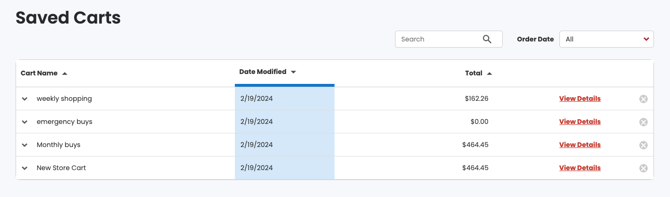
My Saved Carts is a list of carts saved for future, fast company purchasing. Items that are purchased regularly in certain intervals can be saved for quick purchasing later.
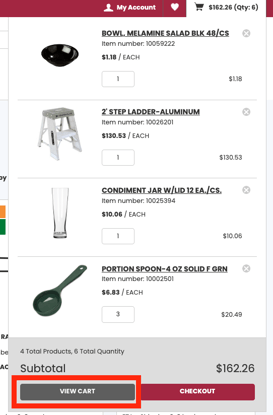
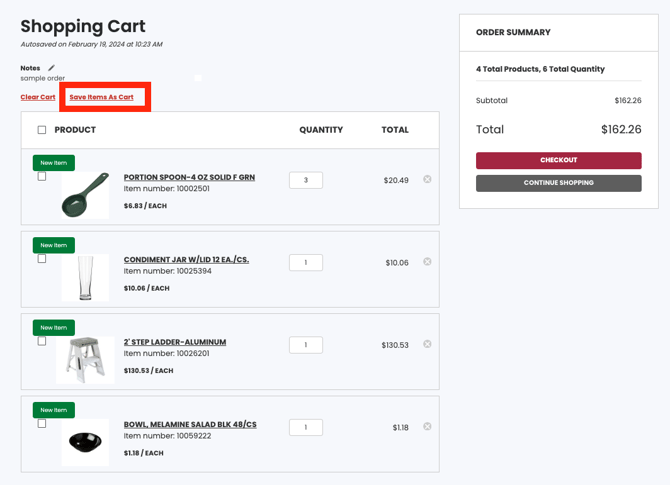
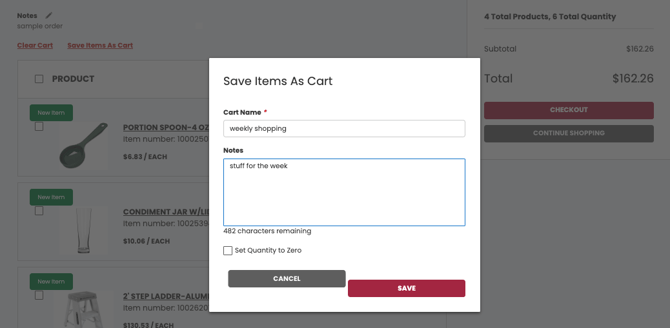
To save a cart, simply add items to the cart, click View the Cart button, select the Save Cart in the upper right corner, and give the cart a name and description.
To use this feature, once saved carts is populated, click on My Save Carts, click View Cart, click Move to Cart, select the cart and checkout.
Click below to view a video: