

To create a new Wishlist:
A. Click Create a Wishlist link
B. Name the Wishlist
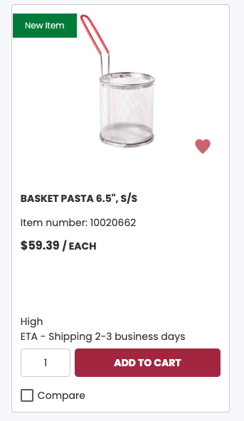
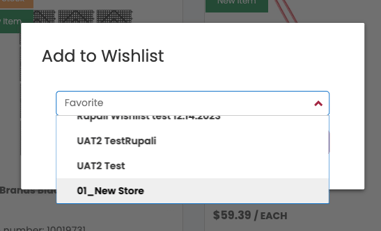
C. Add items to the Wishlist
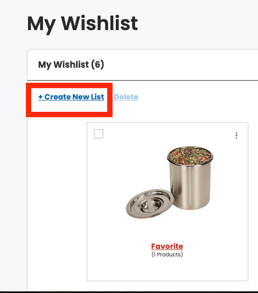
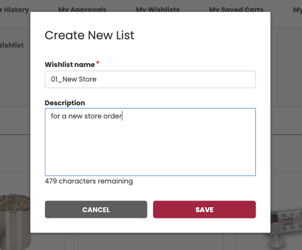
My Wishlist is a feature that allows you to create a list of like items or a list for quick ordering. To use this feature, simply click the heart icon when browsing products to add to your wishlist and a prompt will display notifying you that the item has been added.
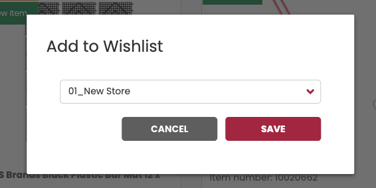
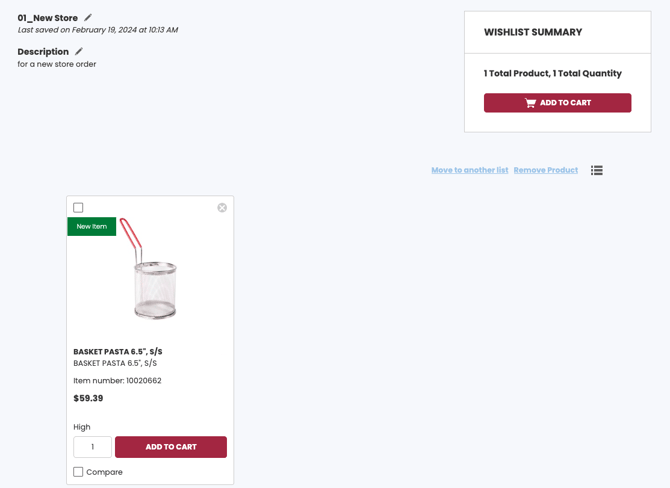
Click below to view a video for adding to a wishlist.
Click the video below for managing a wishlist.